The USC Campus Dining App
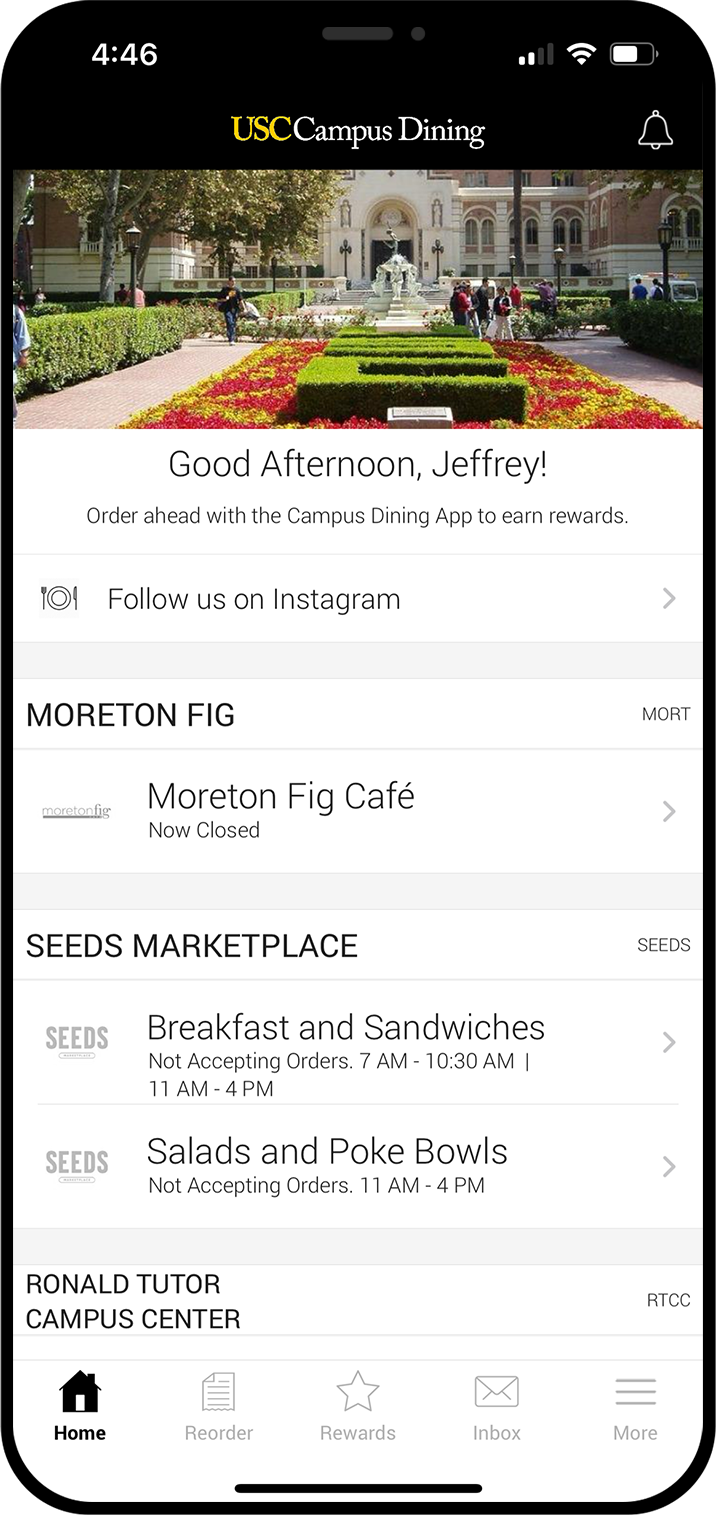
The easiest way to order and pay for your favorite foods – right from your mobile device. Use our app to browse and order from 18 USC Campus Dining locations, and pay by credit card, USCard Discretionary, Dining Dollars or Campus Center Meal Swipes (only at select RTCC venues). We’ll tell you when to expect your order, notify you every step of the way, and send a message when your order is ready. Save time and skip the line today!


Campus Dining Locations
Choose from the following dining locations.
University Park Campus
- Burger Crush
- C&G Juice Co.
- Café Annenberg
- Chad Tons Family Cafe
- Coffee Bean & Tea Leaf
- Law School Cafe
- Literatea
- Panda Express
- Popovich Café
- Seeds Marketplace
- Slice Shop
- Taco-Taco
Health Sciences Campus
- Plaza Marketplace (HSC)
- Trojan Grounds featuring illy (HSC)
Instructions for Downloading
Download the Tract Mobile Ordering app and follow these steps to set it up with your USC Net ID.


